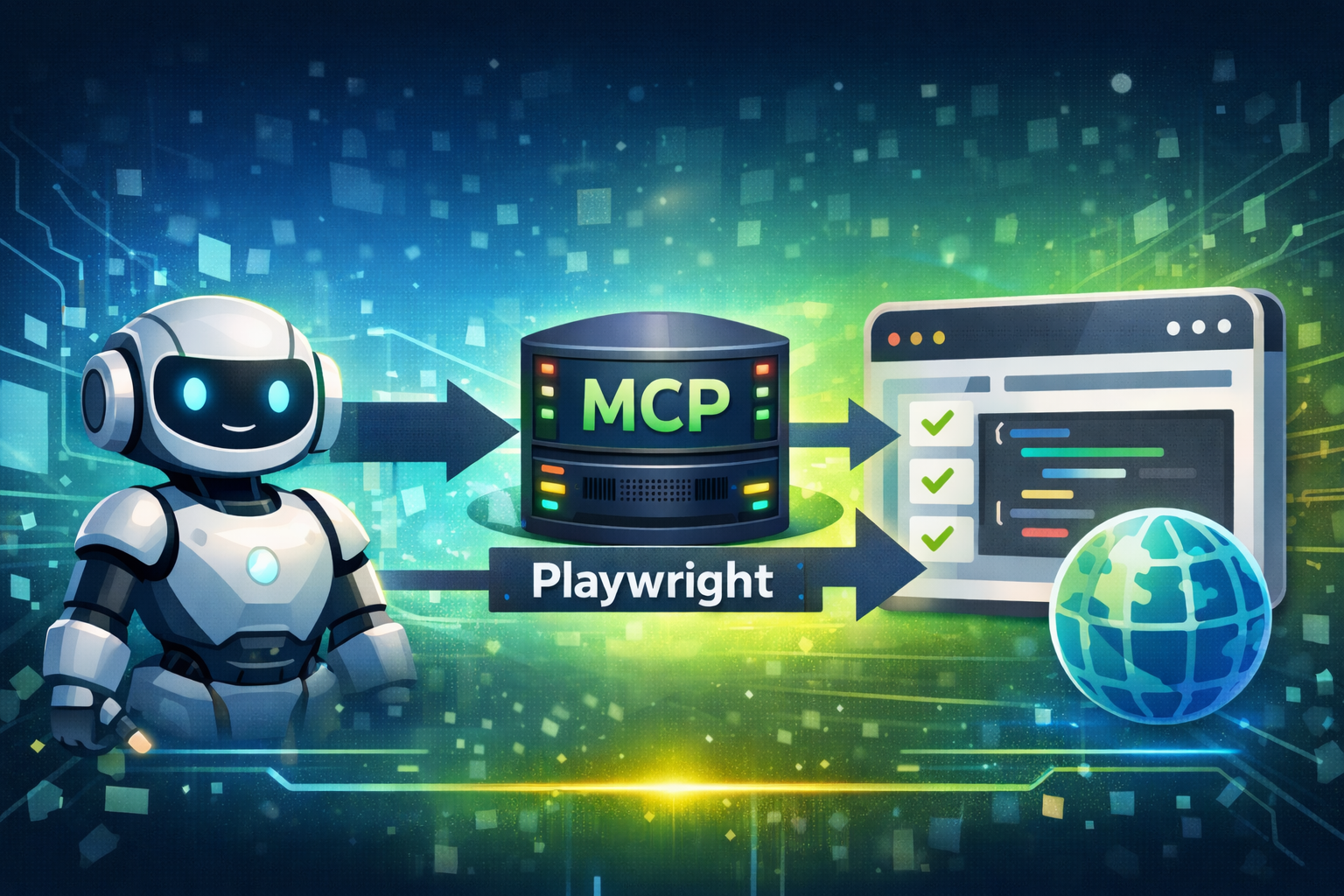
Playwright MCP, in simple terms, is a mechanism that allows AI (mainly LLMs such as Claude) to operate a web browser on your behalf and perform tasks such as browsing websites, testing, and automation.
To understand how it works, let’s break down the components.
1. What Is MCP?
MCP (Model Context Protocol) is an open standard proposed by Anthropic.
It is a protocol that allows AI models to interact with external tools and data sources.
Normally, AI models cannot directly access external data, local files, or specific tools.
MCP acts like a universal connector that links AI with external systems such as databases, cloud storage, or web browsers.
2. What Playwright MCP Can Do
Playwright is a powerful automation library for controlling web browsers such as Chrome, Firefox, and Safari programmatically.
By connecting Playwright to AI through MCP, the AI can execute instructions like the following:
- “Open a specific website and summarize the latest three news articles.”
- “Search for a product on an e-commerce site, compare prices, and present them in a table.”
- “Go to an admin dashboard that requires login, click a specific button, and take a screenshot.”
- “Run browser tests to verify that a newly created website works correctly.”
3. Why This Is Significant
The difference between Playwright MCP and traditional AI browsing features can be summarized as follows:
| Feature | Traditional AI (Browsing) | Playwright MCP |
|---|---|---|
| Scope of operation | Mainly reading publicly available information | Can click, type, scroll, log in, and interact with pages |
| Flexibility | AI operates internally (black box) | Runs in the user’s local environment with specific browser settings |
| Typical use cases | Information search | Workflow automation, dynamic site data collection, UI testing |
How to Use It
A simplified explanation using Claude Desktop:
On a computer where Node.js is installed, configure Claude Desktop to use the official Playwright MCP package @playwright/mcp.
Example configuration:
{
  "mcpServers": {
    "playwright": {
      "command": "npx",
      "args": ["-y", "@playwright/mcp@latest"]
    }
  },
  "preferences": {
    "coworkScheduledTasksEnabled": false,
    "ccdScheduledTasksEnabled": false,
    "sidebarMode": "chat",
    "coworkWebSearchEnabled": true
  }
}
After completing the setup, you can simply type instructions in the Claude chat window such as:
“Open the browser and go to …”
Claude internally calls Playwright, launches a browser, and performs the requested actions. You can observe the browser operating or view the resulting output.
Important
Since the browser runs directly on your computer, the AI effectively acts as your hands when performing tasks.
However, be cautious with permissions and avoid allowing the AI to input sensitive personal information.
This concludes “What Is Playwright MCP? Understand It in 3 Minutes.”